Methods for antialiasing for rasterization
Antialiasing is used to reduce aliasing in image rasterization such as jagged edges and pixelation.
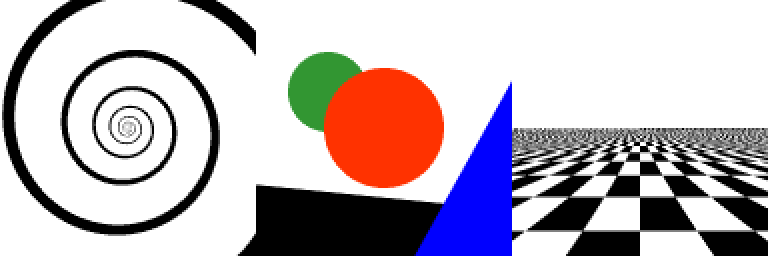
No Antialiasing, 1 sampling point
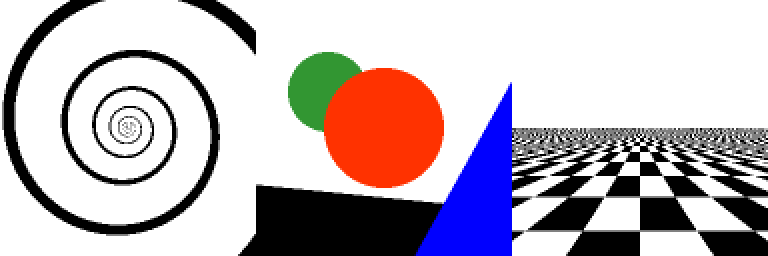
to compare antialiasing methods, we have three simple images, with different settings. the first on is a spiral, wich gets infinite small in the center. the second one is composed of different geometrical shapes. the last one is a infinite large chessboard.
the following picture shows the sampling point per pixel.
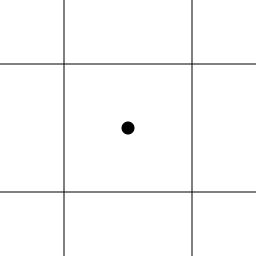
a simple rasterization with a singe sampling point per pixel would result in the following way.
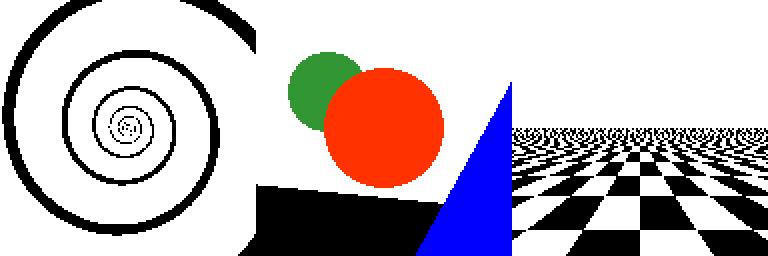
4xAA
with the 4xAA we have 4 sample points per pixel. they are ordered in a regular grid. like seen in the image below. the resulting color for the pixel is the average of the sampling points.
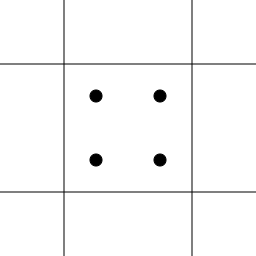
using this antialiasing method on the test images, we get the results
the edges of the circles and lines look smoother and the spiral is more connected in the middle. the chessboard is blurred out in the distance.
4xAA RG
to get better results, especially on edges, the four sampling points in 4xAA is rotated a small amount.
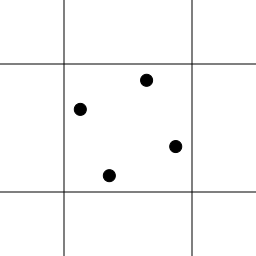
this results in smoother appearance in diagonal edges.

8xAA checkerboard
Another variant uses 8 samples per pixel arranged in a checkerboard pattern.

Results of the 8xAA checkerboard antialiasing show further improvement in edge quality.